 FitSimp
Workout log & gym planner · iPhone, iPad, Apple Watch
The most customizable gym app. Built by a gym-goer who actually trains.
Plan your training. Log each set. See your progress.
Complete seven workouts free. An account is optional.
What you can change
- Themes
- Crimson, Warzone, and Neon Grind
- Appearance
- Light and dark for each theme. That is six looks.
- Templates
- Equipment artwork and 10 identity colors
- Rest times
- Set for each template
- Exercises
- Add your own, with your own photos
- Languages
- English and Simplified Chinese
Use the theme control at the top of this page. The page and the app screens change to match.
Try it Tap Done on a set. The rest timer starts.
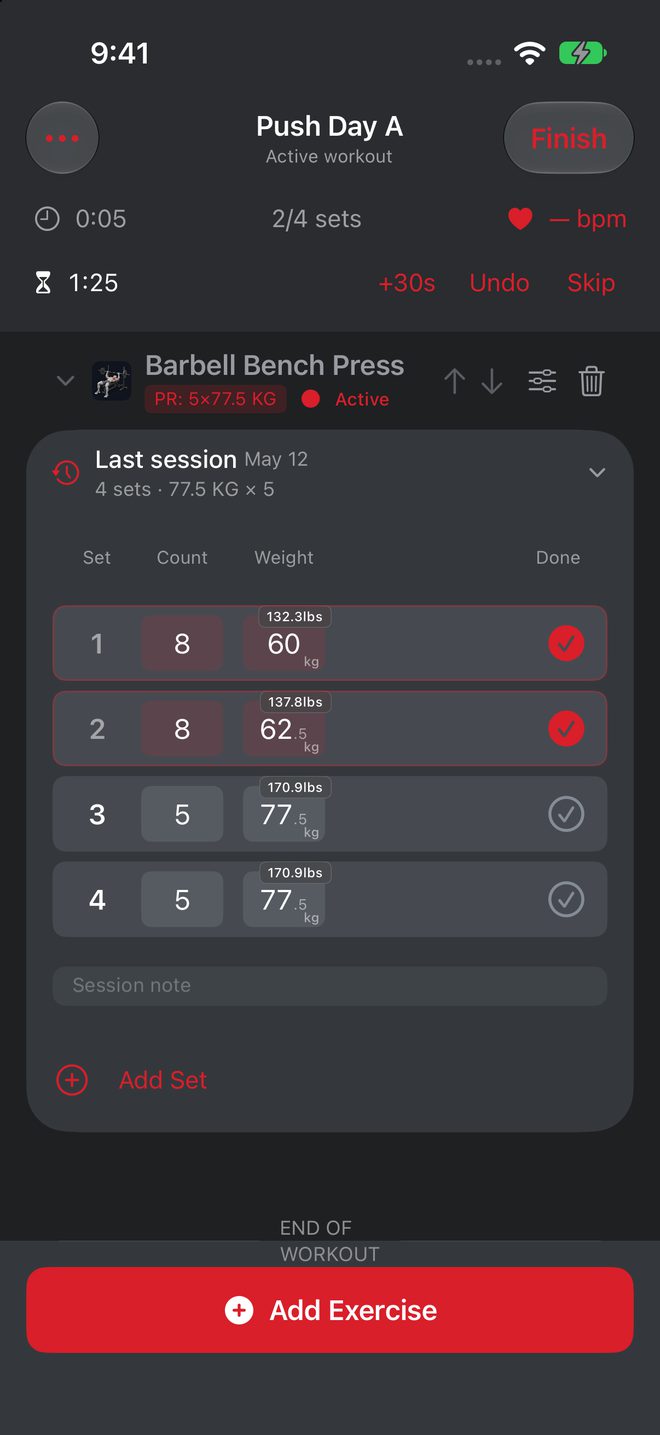
Push Day A
Active workout
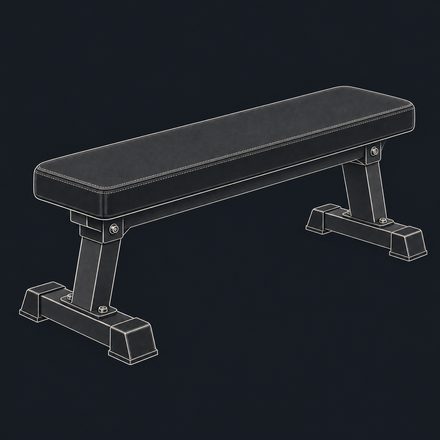
Barbell Bench Press
PR 5 × 77.5 kgLast sessionMay 12
4 sets · 77.5 kg × 5
- 18132.3 lb60kg
- 28137.8 lb62.5kg
- 35170.9 lb77.5kg
- 45170.9 lb77.5kg
Example session. Nothing saves.
Customization
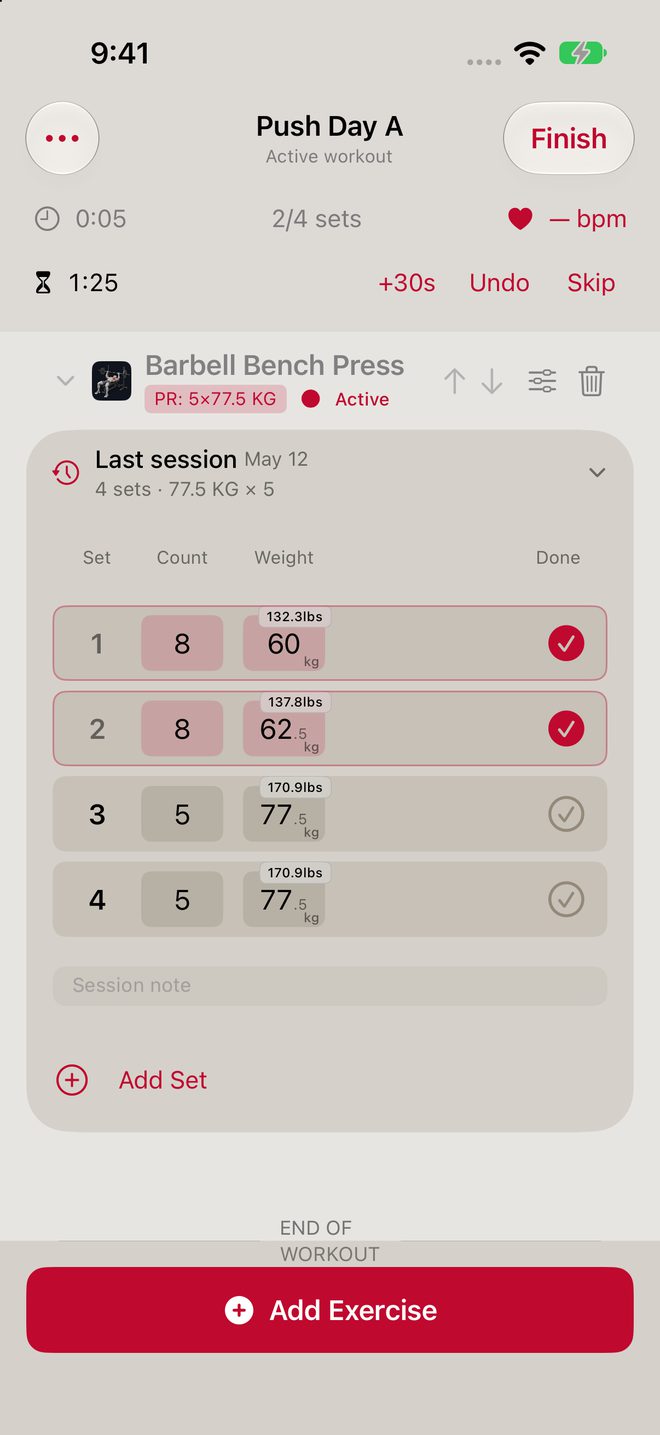
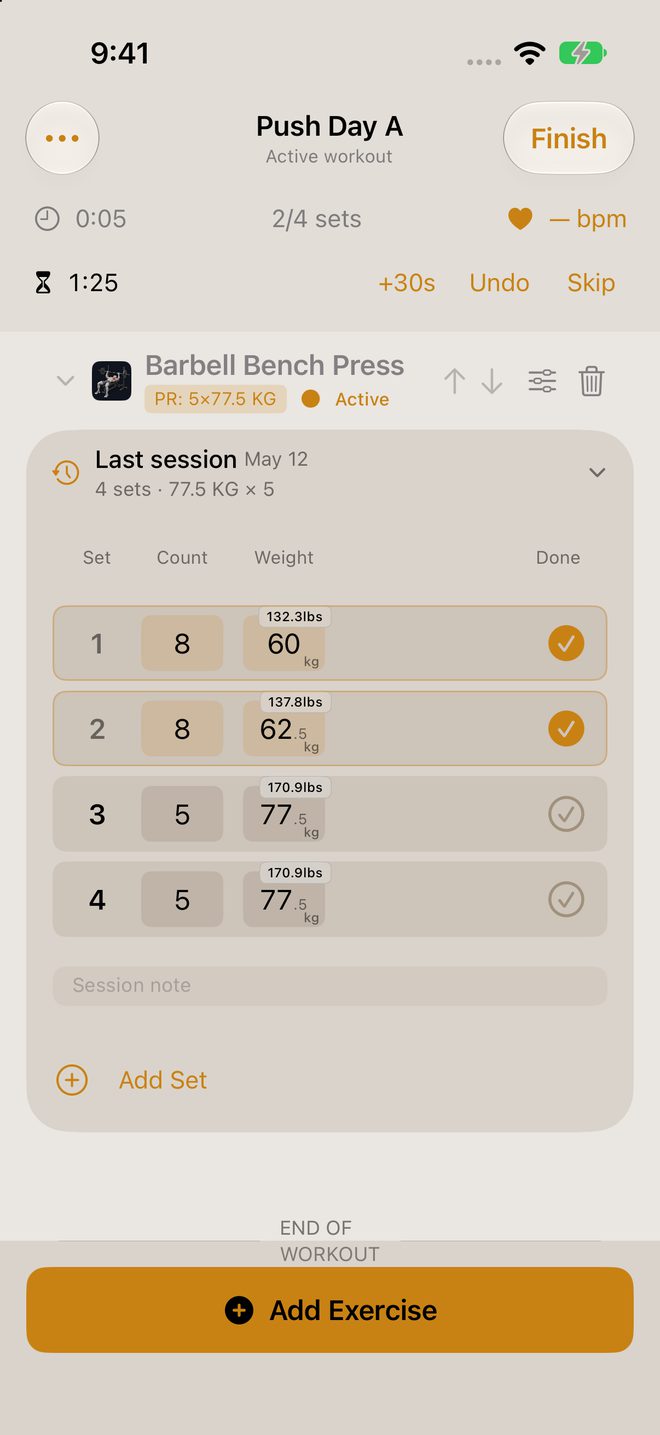
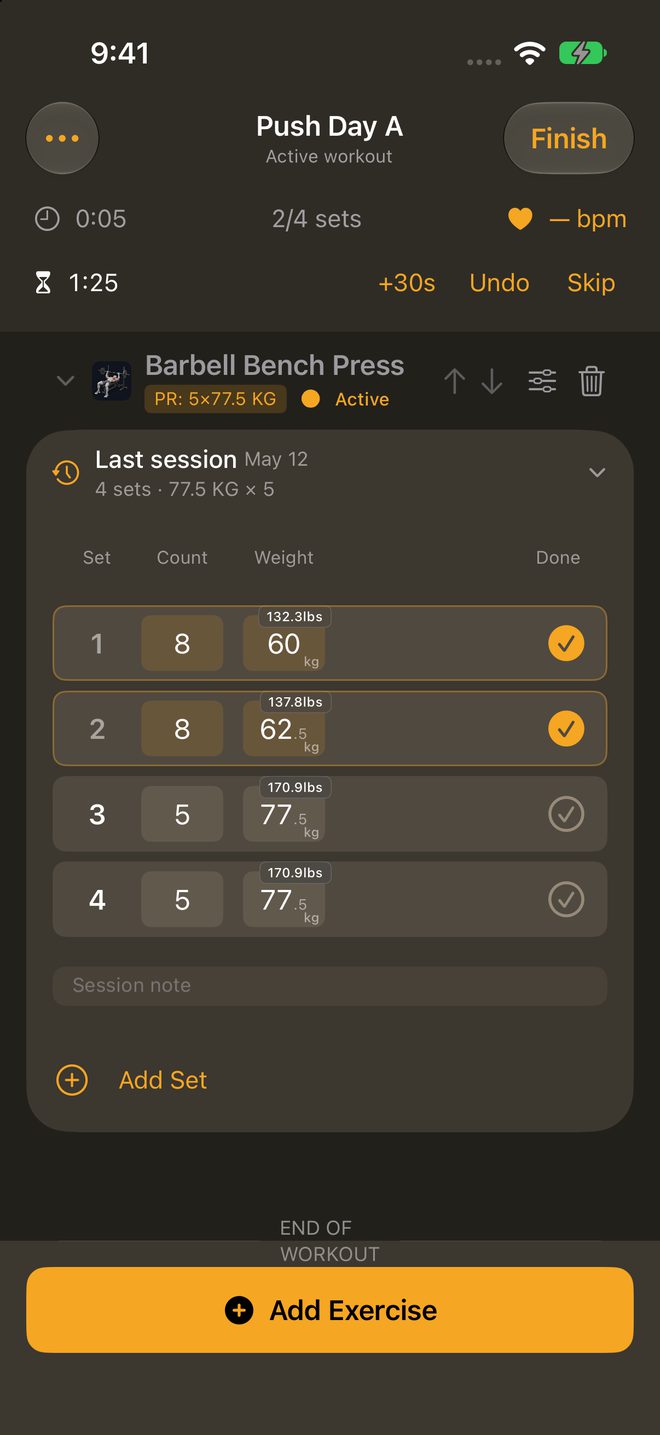
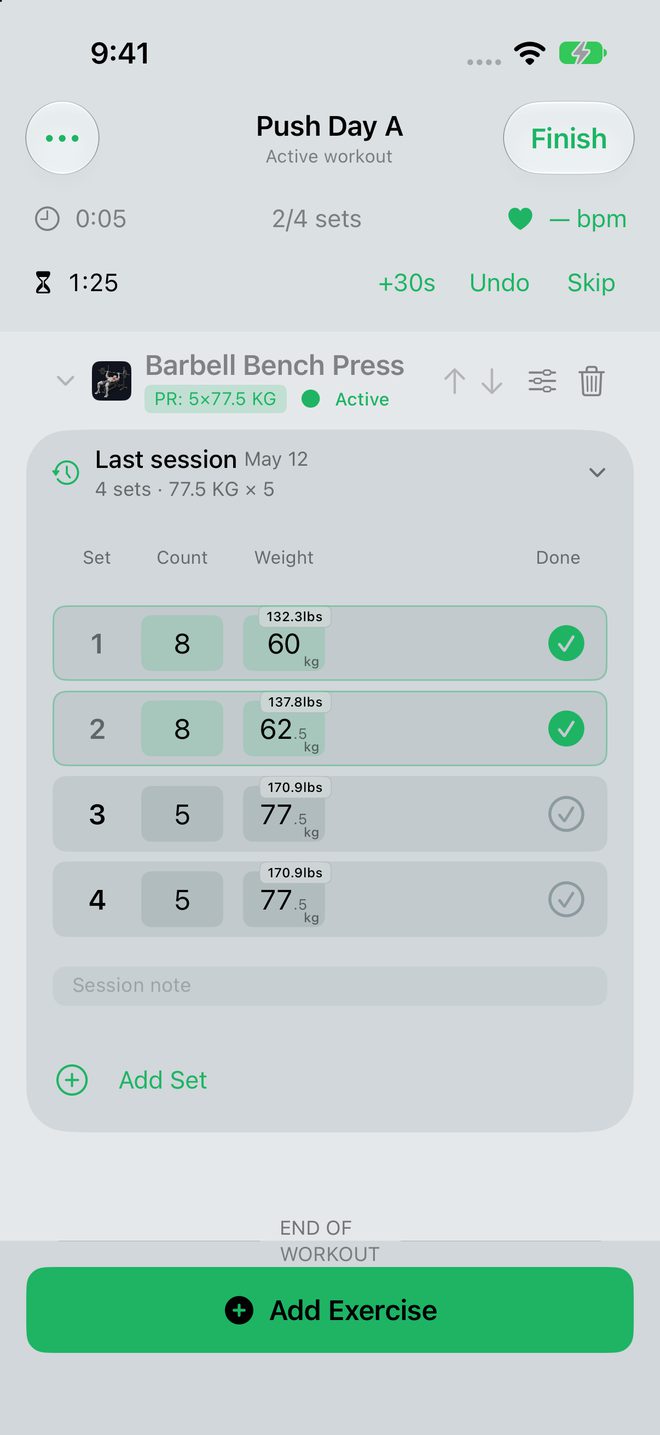
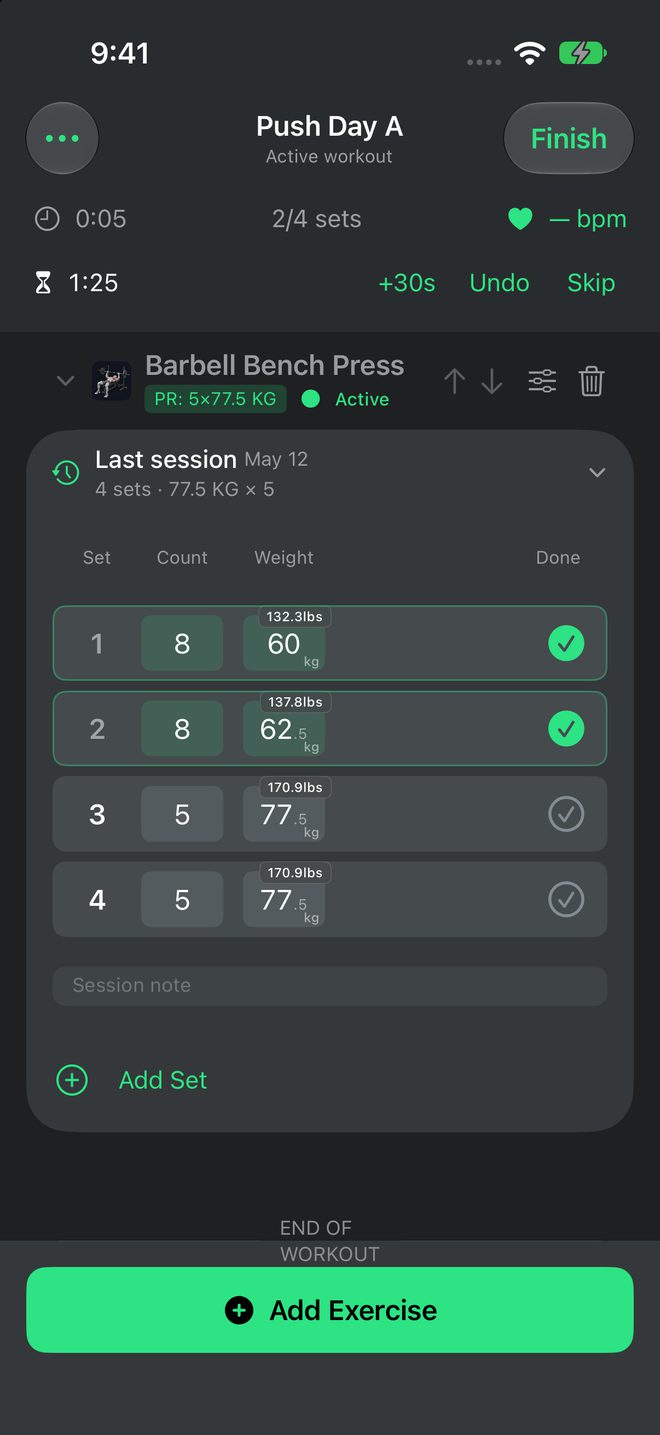
Three themes. Six looks.
Each screen shows the same workout. Crimson, Warzone, and Neon Grind each have a light and a dark appearance.
-
Template artwork
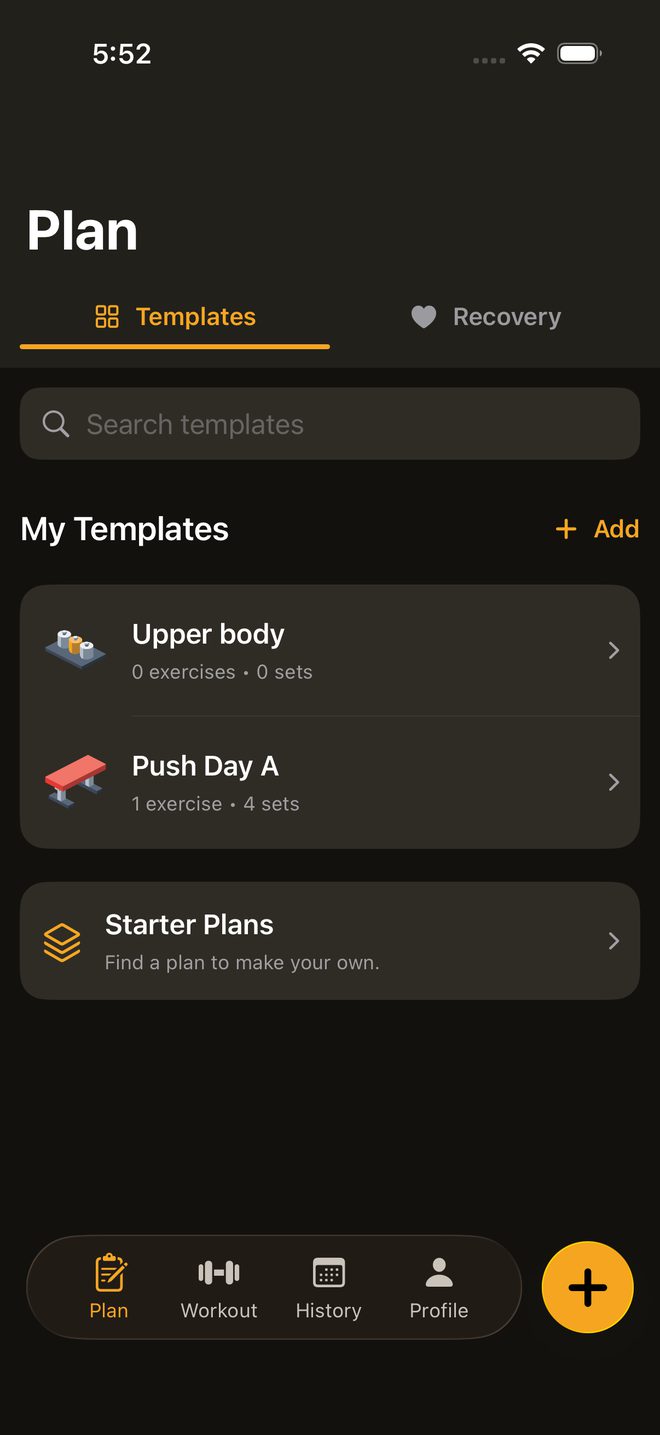
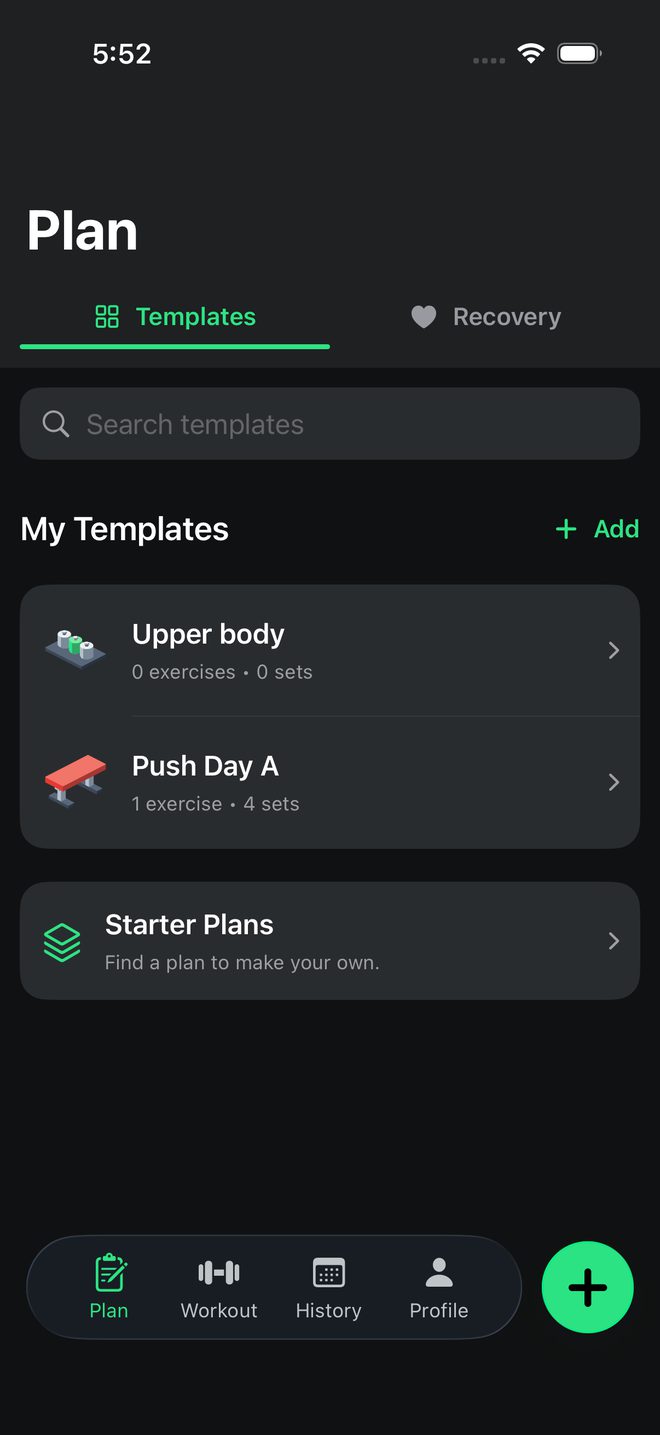
Give each template equipment artwork and one of 10 identity colors.
-
Rest times per template
Set the rest times in each template, next to the exercises and the planned sets.
-
Your own exercises
Create your own exercises. Add your own photos to them.
Plan
Plan your training.
Build reusable templates with exercises, planned sets, and rest times. Give each template equipment artwork and an identity color. Then start a session from it.
10identity colors for templates
Identity colors
- Crimson
- Ember
- Gold
- Moss
- Teal
- Sky
- Violet
- Rose
- Steel
- Bone
Exercises
An illustrated exercise library.
Each exercise shows its muscle information. Filter the library. Add several exercises at once. Create your own exercises with your own photos.
152exercises with step guides
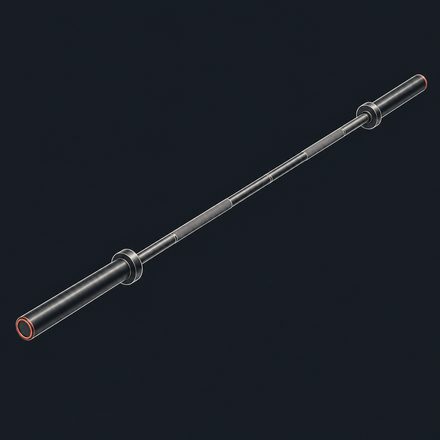
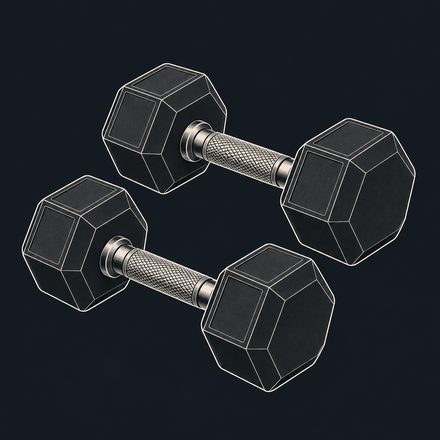
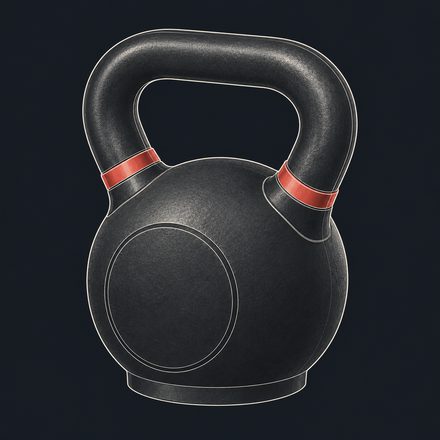
109built-in equipment entries with artwork
Equipment artwork
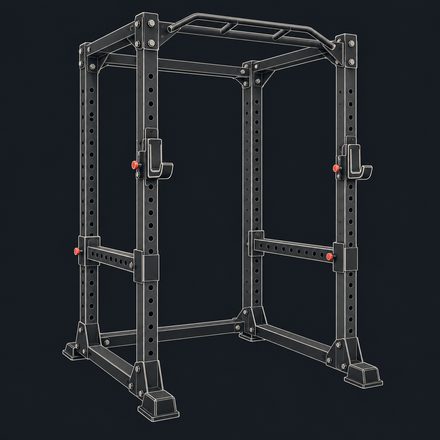
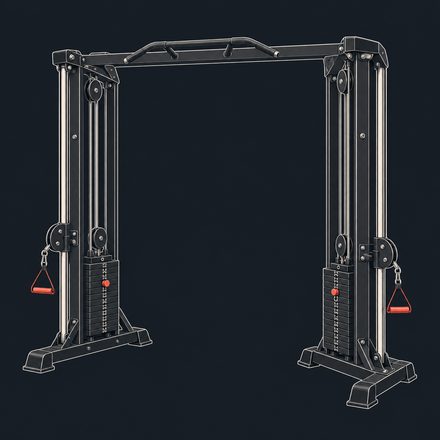
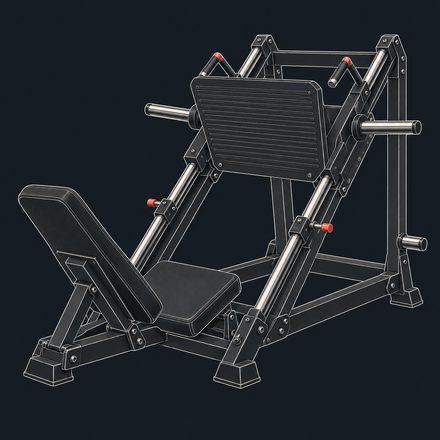
Muscle artwork
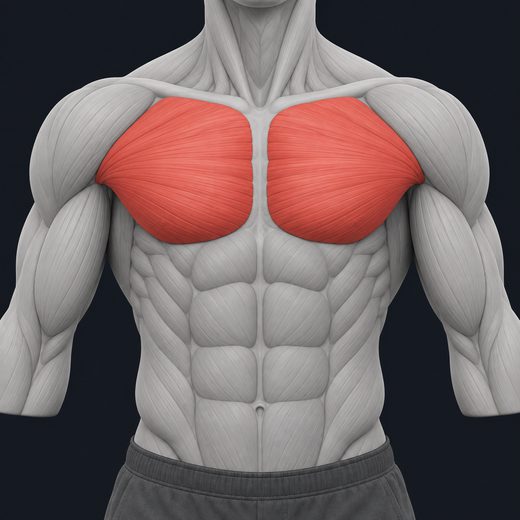
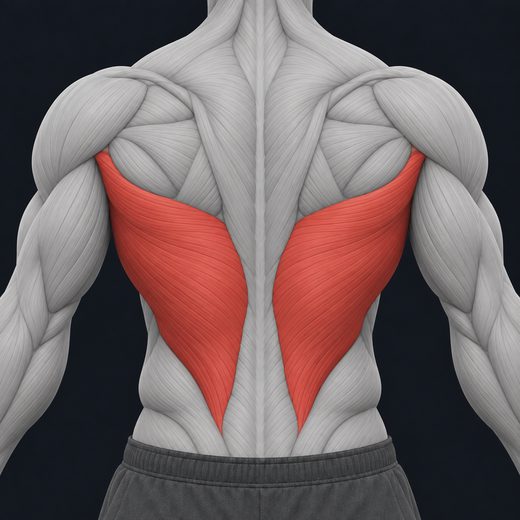
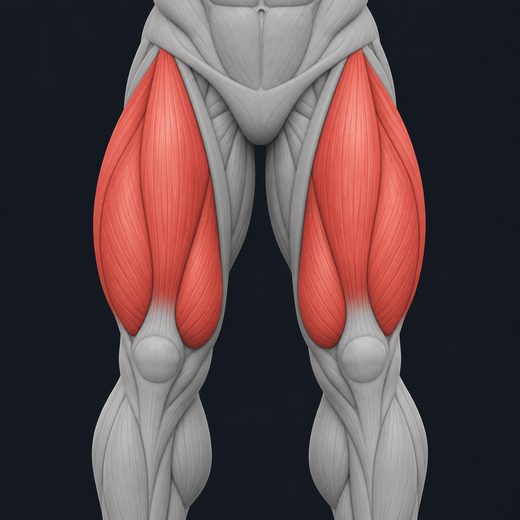
Artwork from the app
Workout
Log each set.
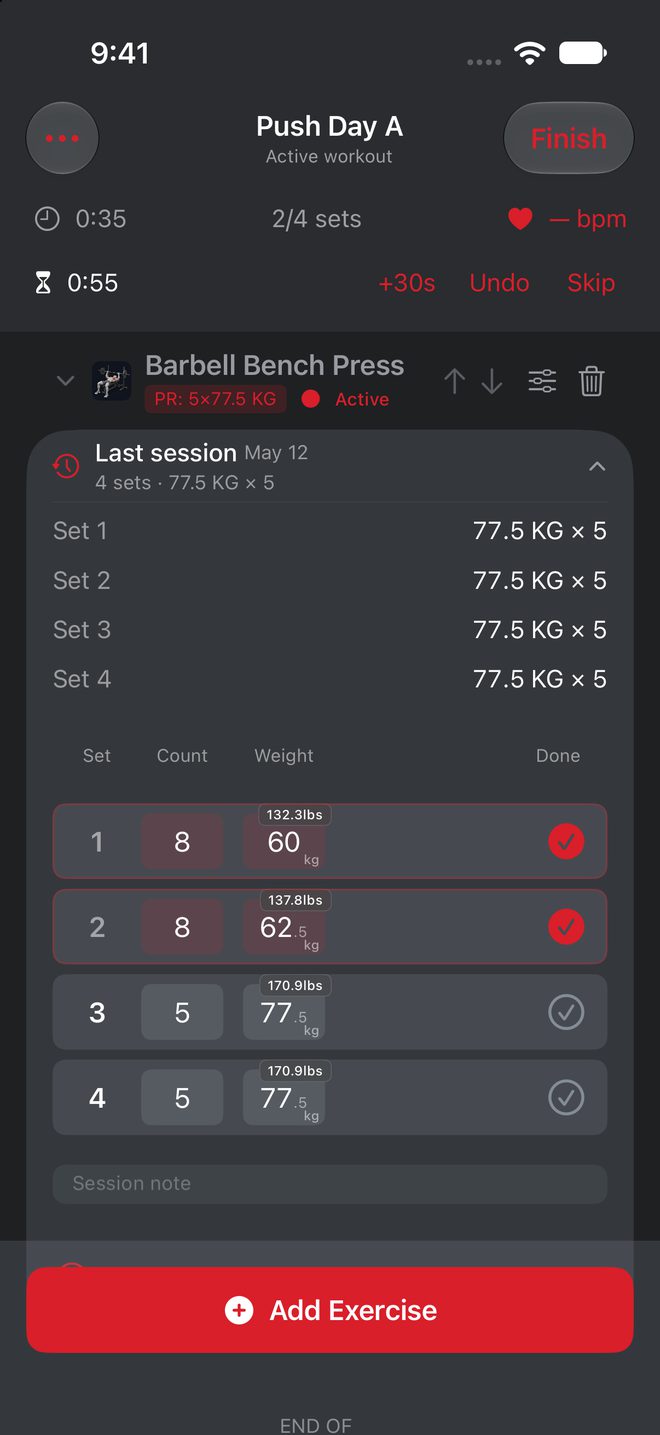
Log weights and reps, timed holds, and distance-based work. Your last session stays in view while you log. A rest timer runs between sets.
Example session
0 of 4 logged
- Barbell Bench PressWeight and reps 77.5kg ×5
- PlankTimed hold 0:45
- Rowing machineDistance 400m
- Dumbbell CurlWeight and reps 12kg ×10
Each tap logs one row. The rest timer can add 30 s, undo the last set, or skip the rest.
Follow the workout on Apple Watch, too.
History and recovery
See your progress.
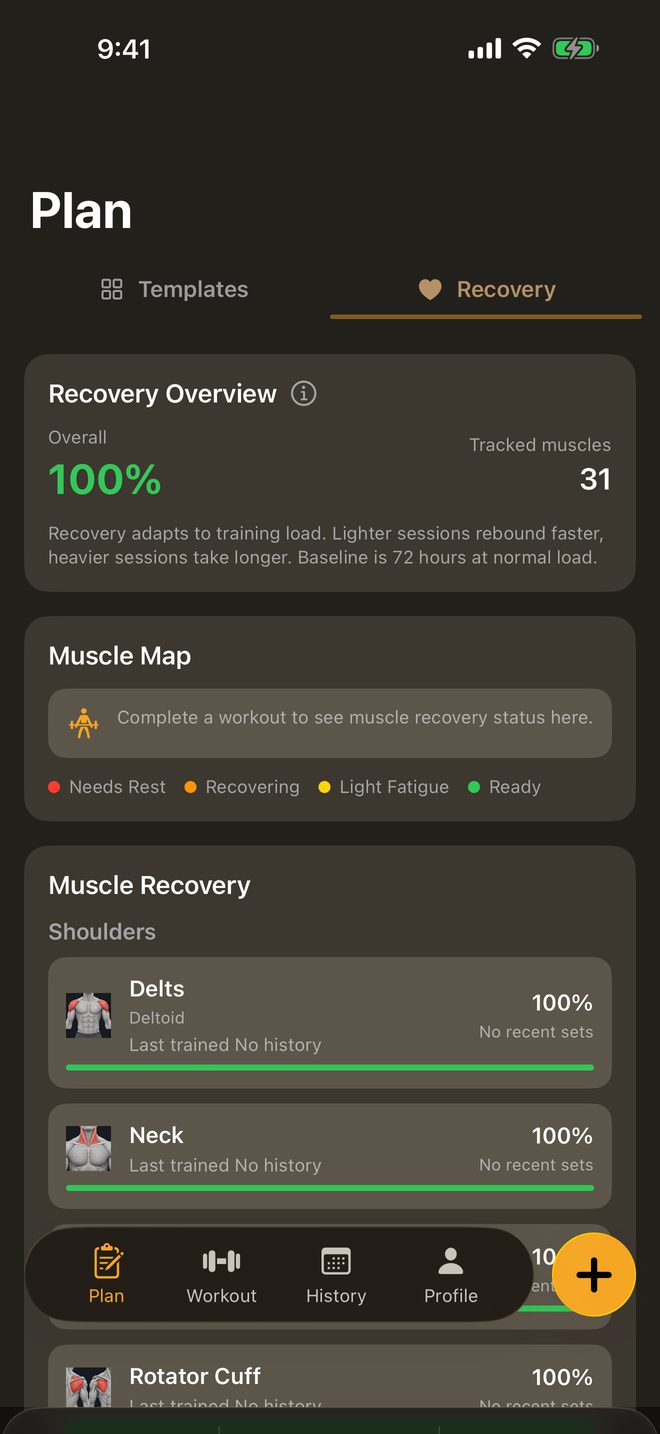
History keeps your past sessions and training trends. The muscle map colors each region by engagement. Recovery estimates how fresh each muscle is, from 0 to 100.
Muscle map · Example: Barbell Bench Press
- Primary
- Secondary
- Supporting
Muscle maps and recovery help you think about recent training. They are estimates, not medical advice.
Devices
iPhone, iPad, and Apple Watch.
Apple Watch
Follow the workout on your wrist. The Watch companion works with a paired iPhone.
Live Activities
Your workout shows as a Live Activity on supported devices.
iPad
A wider layout shows plans and recovery side by side. During a workout, your previous session stays next to the current sets. The layout adapts when you rotate or resize the window.
Privacy
Local by default. Cloud by choice.
- Account
- You can use FitSimp without an account. Sign in with Apple, with email from version 1.1.3, or with Google from version 1.2.0. Signing in alone does not upload your workout library. To delete your account, open Profile → Account → Delete Account in the app.
- Workout records
- Records stay on each device unless you choose a cloud feature. From version 1.2.0, optional FitSimp Pro Sync keeps a cloud copy of supported records and photos across up to 3 iPhones and iPads. Turn Off Sync deletes the cloud copy while keeping your local data.
- Coach
- From version 1.2.0, cloud Coach sends your messages and limited planning context to AWS to answer your request. It requires an account. Feature availability depends on your installed version; the Privacy Policy explains what leaves your device.
- Apple Health
- Apple Health is optional. You control its permissions.
- Export and backup
- Export your records or make a backup from the app.
- Ad measurement
- FitSimp does not show ads. The app asks before Meta measures app installs and sessions for FitSimp advertising. If you decline, all app features continue to work. Your workouts and Apple Health data are not sent to Meta.
Note from the builder
I train in a gym. I built FitSimp as the log I want between sets. It is fast, it is clear, and you can set it up your way. If this is your first week or your tenth year, you are welcome here.
FitSimp Pro
Seven workouts free.
Each workout that you finish fills one slot on the card. Try it here. Tap a slot to punch it.
Seven workouts are free. After that, you need FitSimp Pro to start more workouts. FitSimp Pro is $9.99 per month or $59.99 per year (US prices). Your history stays available.
Local prices and any eligible trial show before purchase. Subscriptions renew automatically unless you cancel at least 24 hours before the period ends. See the Terms of Use.
Free workout card
0 of 7Each slot is one finished workout. Tap a slot to punch it.
The card is full
Keep training with FitSimp Pro.
$9.99 per month
$59.99 per year
Your history stays available.
US prices. Local prices and any eligible trial show before purchase.